


Jotform is a solid form builder, but it isn't the right fit for every job. Here are the 10 best Jotform alternatives in 2026, and how to pick the one that fits your needs.
The best Jotform alternative depends on what you need next. Convert_ is the strongest pick if your forms need real calculation power, like pricing models, product configurators, or instant quotes. Tally and Google Forms win on free and simple. Typeform leads on conversational forms. SurveyMonkey owns surveys. This guide compares all 10 so you can choose with confidence.
This roundup is for teams who have hit a wall with Jotform: the single-user limit on paid plans, the submission caps, or the basic calculation engine that can't handle complex pricing. Every tool below is a no-code online form builder, and each one is better than Jotform at something specific.
Key Takeaways
The best Jotform alternative depends on your main job: calculations, surveys, design, compliance, or cost.
Convert_ is the top pick for advanced calculations, pricing logic, and product configurators, with plans from free to $200/month.
Tally and Google Forms are the best free options, and Tally allows unlimited responses on its free plan.
Typeform leads on conversational forms and completion rates; SurveyMonkey leads on surveys.
Formstack is the choice for regulated sectors that need built-in HIPAA support.
Quick Comparison: Jotform Alternatives at a Glance
Tool | Best for | Free plan | Paid from |
|---|---|---|---|
Convert_ | Calculations, pricing, configurators | Yes (100 visits/mo) | $20/mo |
Typeform | Conversational, high completion rates | Yes (10 responses/mo) | ~$29/mo |
Tally | Generous free, simple builder | Yes (unlimited responses) | ~$29/mo |
Fillout | Database-connected workflows | Yes (1,000 submissions/mo) | ~$15/mo |
Google Forms | Free, simple surveys | Yes (free) | Google Workspace |
SurveyMonkey | Research and analytics | Yes (limited) | ~$39/mo |
Paperform | Design-first, landing-page forms | Yes (30 submissions/mo) | ~$24/mo |
Formstack | Regulated industries, compliance | Trial only | Higher-end |
Microsoft Forms | Teams already on Microsoft 365 | Included with 365 | Microsoft 365 |
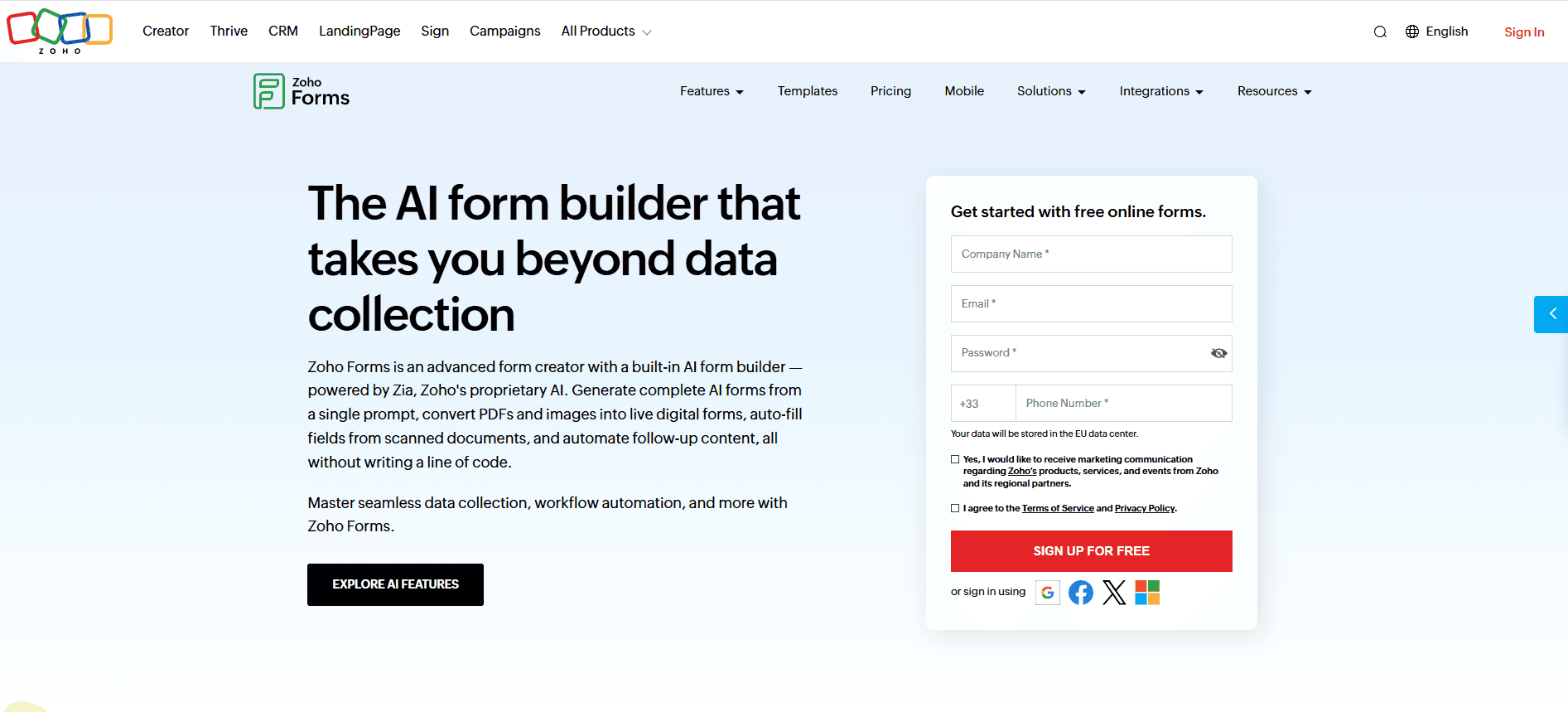
Zoho Forms | Teams in the Zoho ecosystem | Yes | ~$12/mo |
Why Look for a Jotform Alternative?
Jotform is trusted by over 35 million users and ships 10,000+ form templates, so it's a capable default. But three limits push teams to look elsewhere.
First, every Jotform paid plan below Enterprise is single-user. If two people need to manage forms, you pay for two accounts or jump to Enterprise pricing. Second, submission caps and form limits force upgrades as you grow. Third, Jotform's calculation engine handles basic math but struggles with complex pricing models, product configurations, and deep conditional logic.
The right alternative fixes whichever limit is hurting you most. Below, each tool is ranked by what it does best.
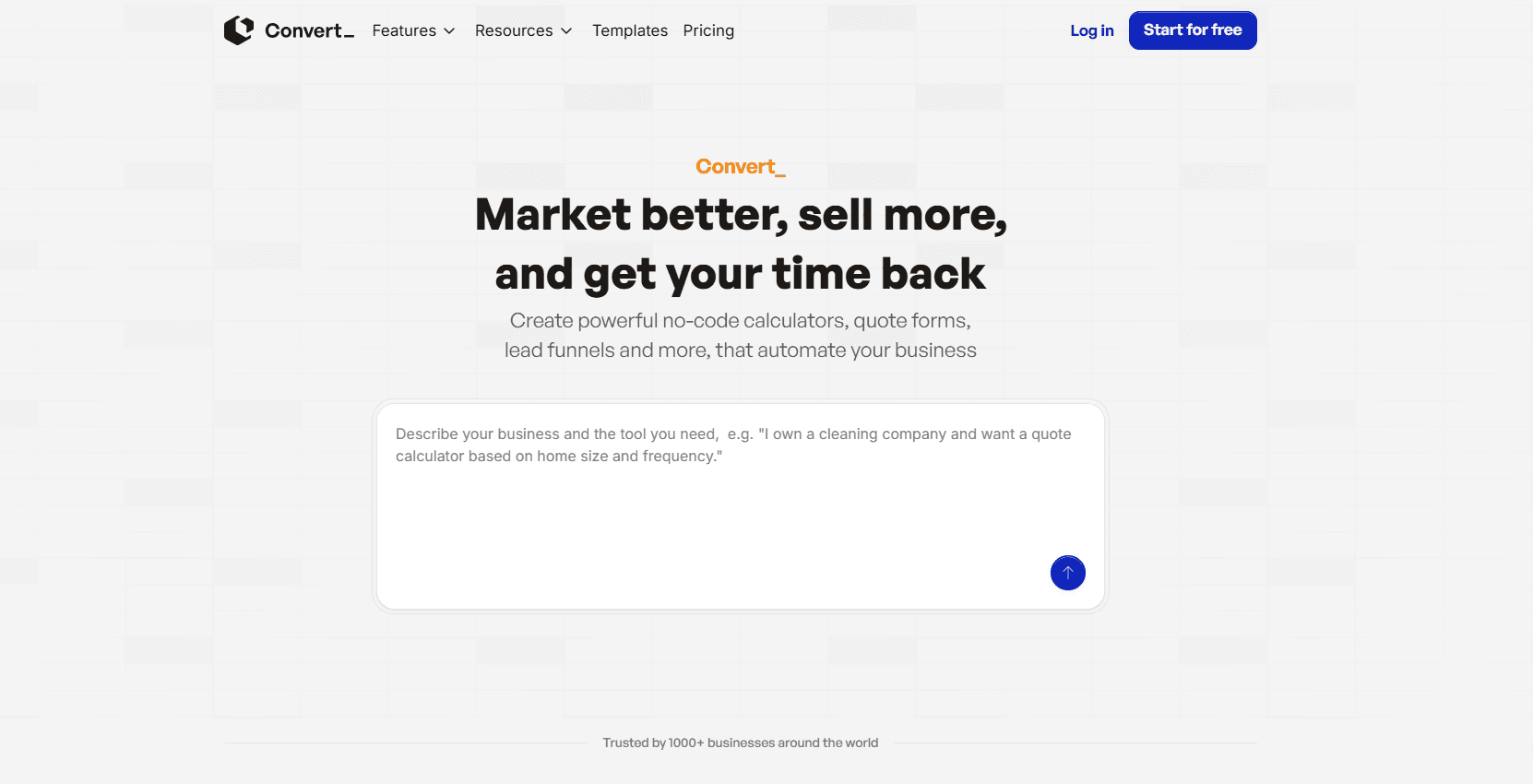
1. Convert_ (Best for Calculations and Pricing Logic)
Convert_ is the best option when your forms need to calculate. It's a no-code form builder built around a calculation engine called FormulaScript, which uses Excel-like formulas to power complex pricing models, product configurators, and instant price quote calculators that Jotform's basic calculation tool can't match.
What stands out: Convert_ supports advanced conditional logic with infinite branching and demand-based pricing, plus external database connectivity for real-time data retrieval, validation, and dynamic form updates. You can connect Google Sheets, HubSpot, Salesforce, and Stripe, and push data out through webhooks and Zapier. It also handles layered images, PDFs, and custom CSS for fully branded forms.
Pricing: A free Starter plan runs until you hit 100 visits per month, then Hobby is $20/month, Pro $40/month, Premium $100/month, and Platinum $200/month. There's also a Concierge Service from $250 where the team builds and integrates the tool for you, which Jotform doesn't offer. Convert_ holds a 4.9 rating on Capterra.
Watch-out: The depth comes with a slightly steeper learning curve than a basic form builder once you start writing your own formulas.
Best for: Service businesses, agencies, and stores that need quoting, booking, or configuration tools, not just data collection.
2. Typeform (Best for Conversational Surveys)
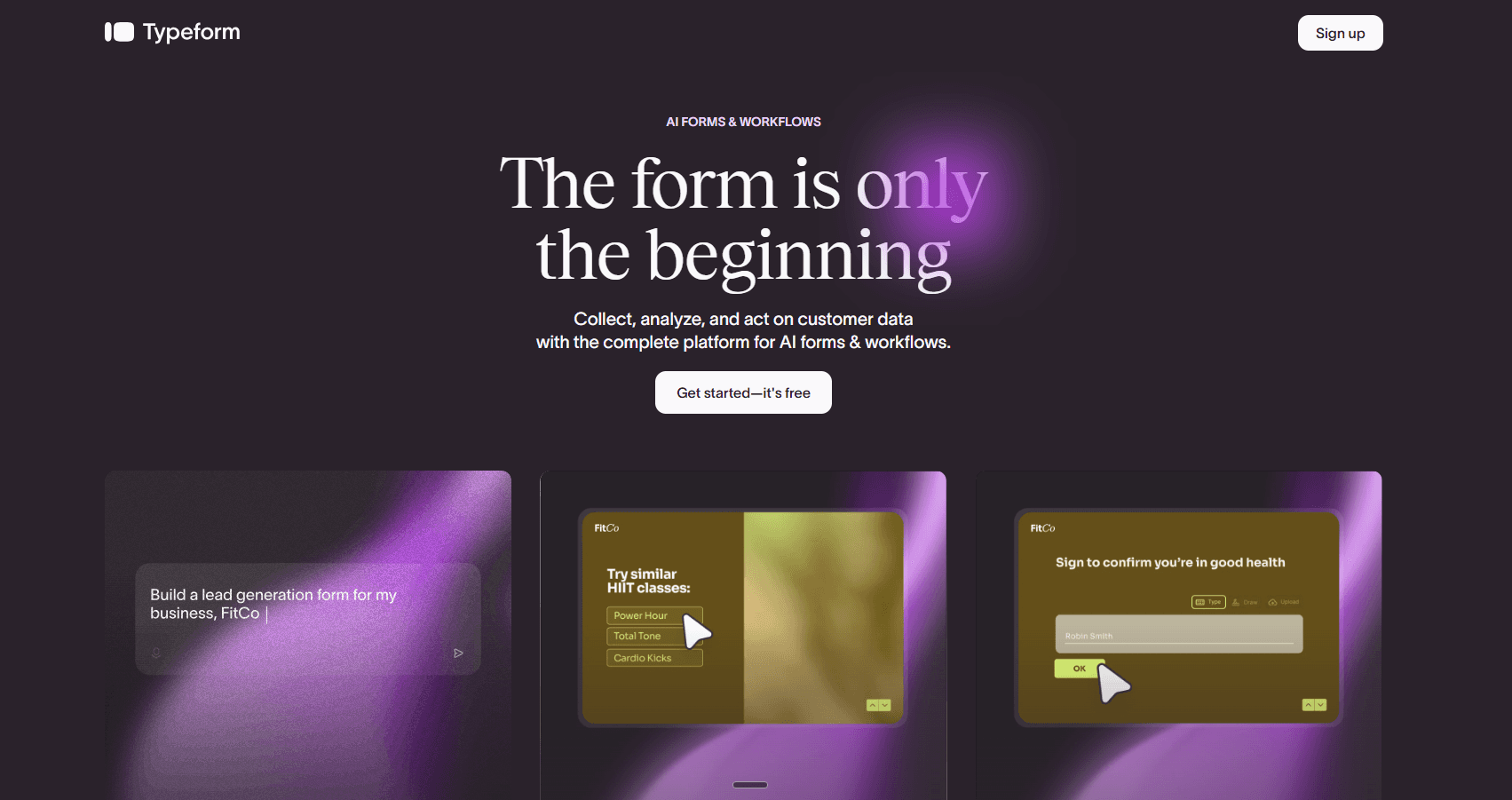
Typeform pioneered the conversational form: one question at a time, which lifts completion rates on surveys and lead capture. If engagement matters more than raw features, it's a strong contender.
What stands out: Polished, on-brand forms and quizzes with smooth transitions. Good for customer feedback and lead generation where the experience drives responses and lead capture matters.
Pricing: The free plan is capped at 10 responses per month, which is tight. Paid plans start around $29/month for the Basic tier.
Best for: Brands that want beautiful, high-completion forms and don't need heavy calculations.
3. Tally (Best Free Jotform Alternative)
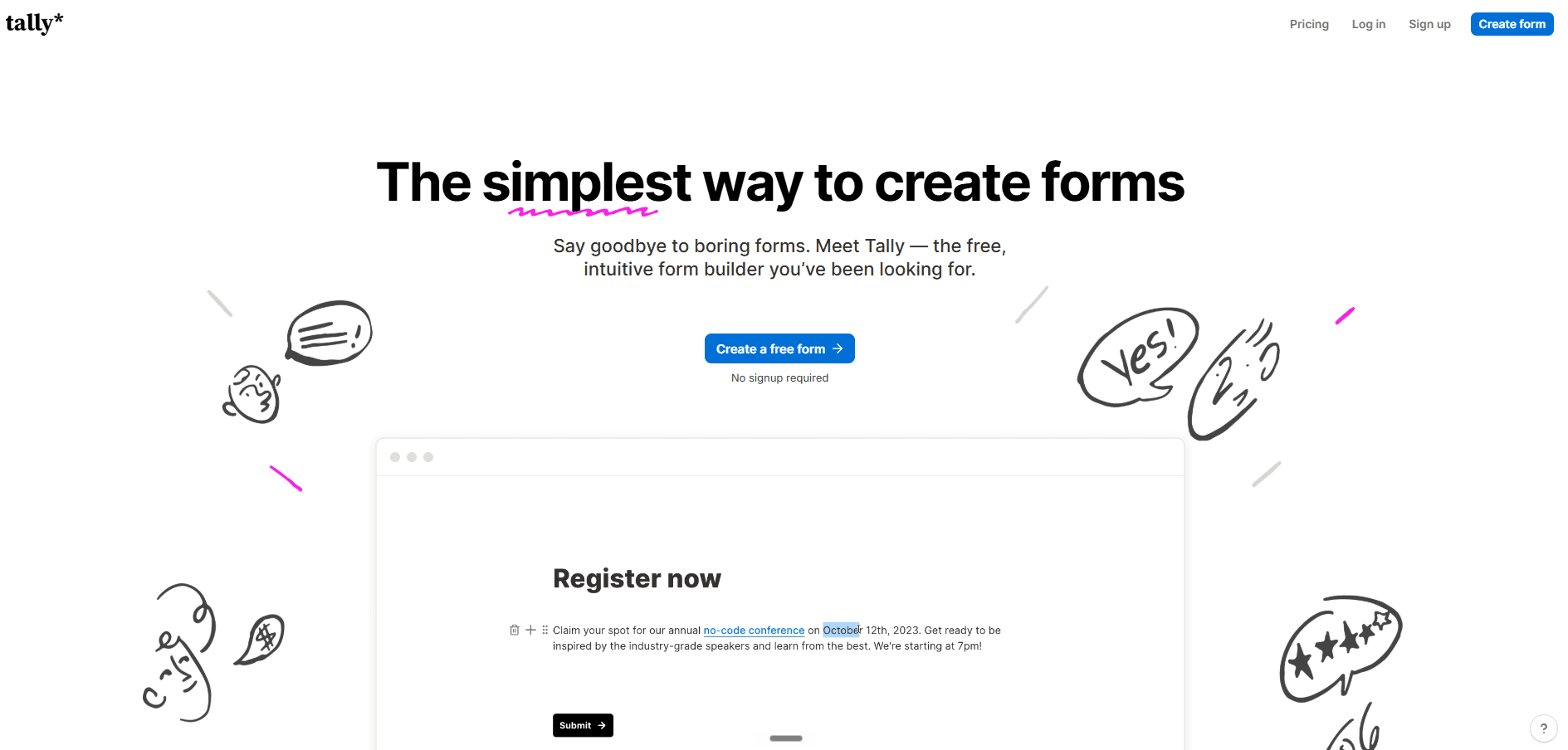
Tally is the most generous free option on this list. Its Notion-style editor makes building a form feel like writing a document, and the free plan includes unlimited forms and responses under fair use, with conditional logic, Stripe payments, and file uploads included.
What stands out: You get features on the free plan that other tools gate behind paid tiers. The trade-off is a "Made with Tally" badge until you upgrade.
Pricing: Free for unlimited forms and responses. Pro is around $29/month for custom domains, file uploads, and team collaboration.
Best for: Creators, consultants, and bootstrapped startups who want a clean builder without restrictive limits.
4. Fillout (Best for Database-Connected Workflows)
Fillout punches above its weight, especially for operations teams. The free plan includes 1,000 submissions per month, and it has a built-in database plus strong native integrations with Notion and HubSpot. There's no per-seat pricing on any plan.
What stands out: Forms that read and write directly to your existing data, which is why ops and RevOps teams favor it. Companies like The Athletic, Bombas, and Domino's use it.
Pricing: Free with 1,000 monthly submissions; paid plans start around $15/month and scale limits and features.
Best for: Teams that already live in Airtable or Notion and want forms wired into their data.

5. Google Forms (Best Free and Simple Option)
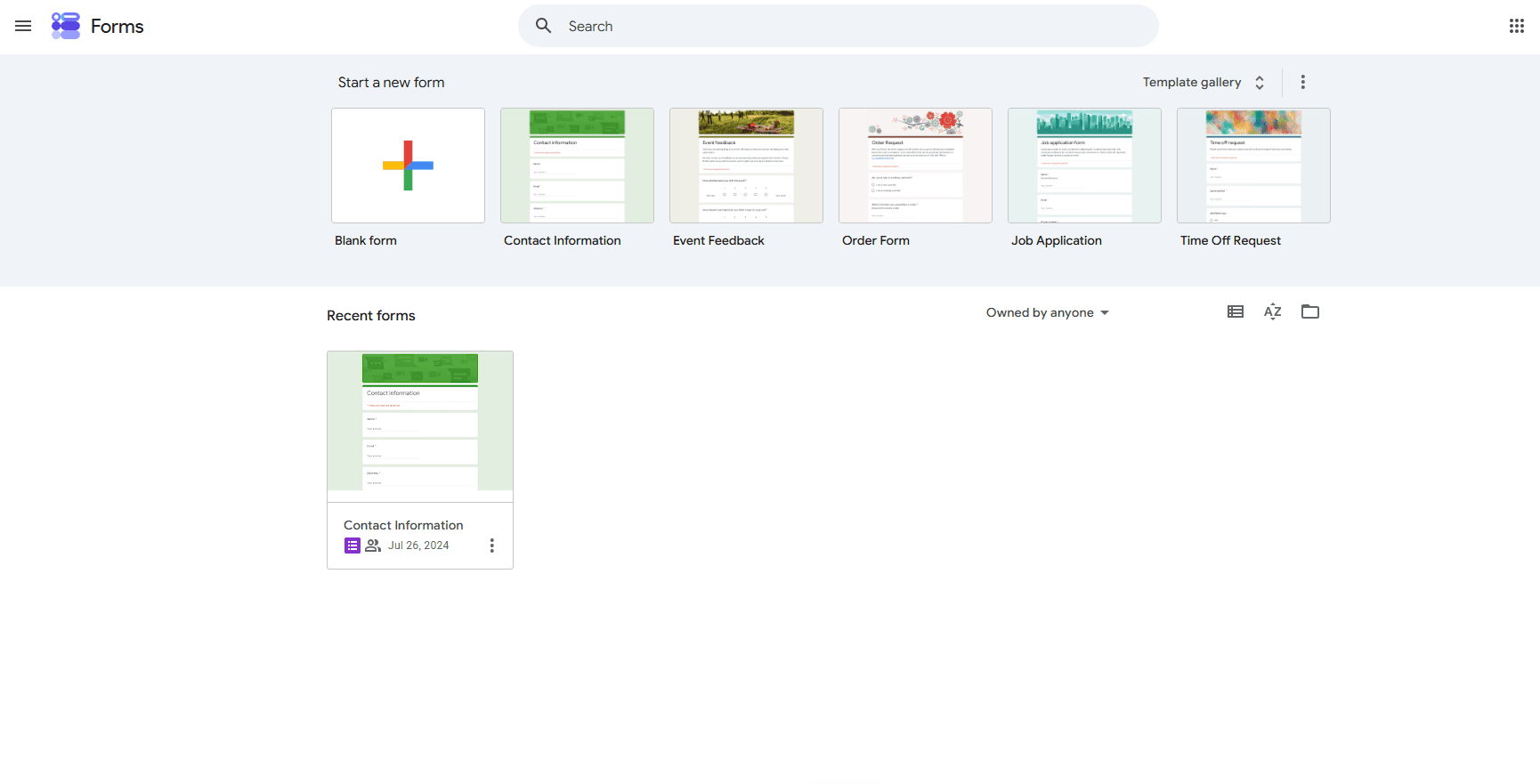
Google Forms is the no-cost default for basic surveys, RSVPs, and quizzes. It's free with any Google account and part of Google Workspace, so responses flow straight into Google Sheets.
What stands out: Zero cost, zero learning curve, and tight integration with the Google ecosystem.
Pricing: Free. Business features come with a Google Workspace subscription.
Best for: Simple data collection where design, logic, and payments don't matter.
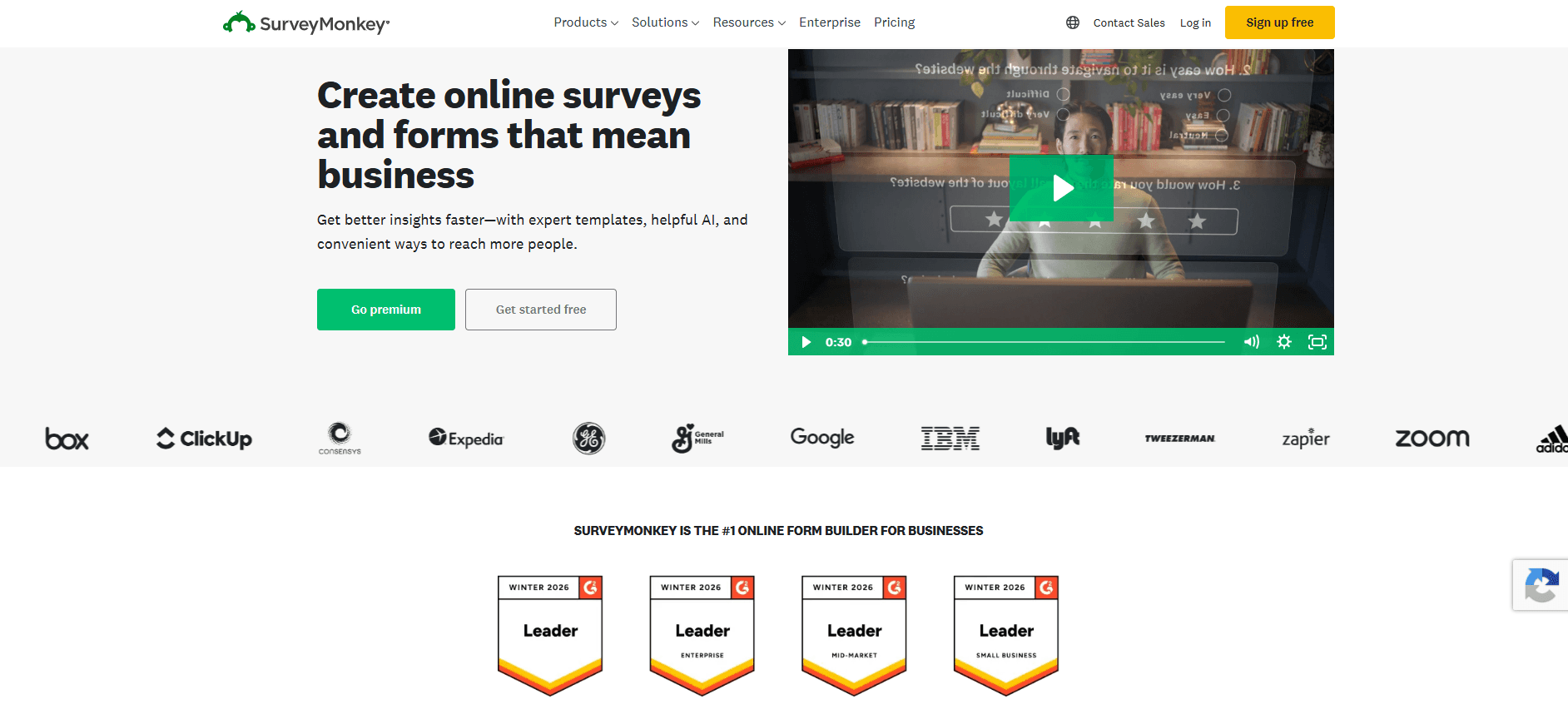
6. SurveyMonkey (Best for Market Research)
SurveyMonkey is a survey platform first and a form builder second. If your job is research rather than quoting or order forms, it belongs on your shortlist.
What stands out: A 400+ question bank, deep survey logic, text analysis, sentiment detection, and statistical significance testing. It also offers audience panels for large studies.
Pricing: The free plan is limited (around 10 questions and 25 responses per survey). Individual plans start near $39/month, and team plans add per-user pricing.
Best for: Market research, HR engagement surveys, and customer feedback at scale.
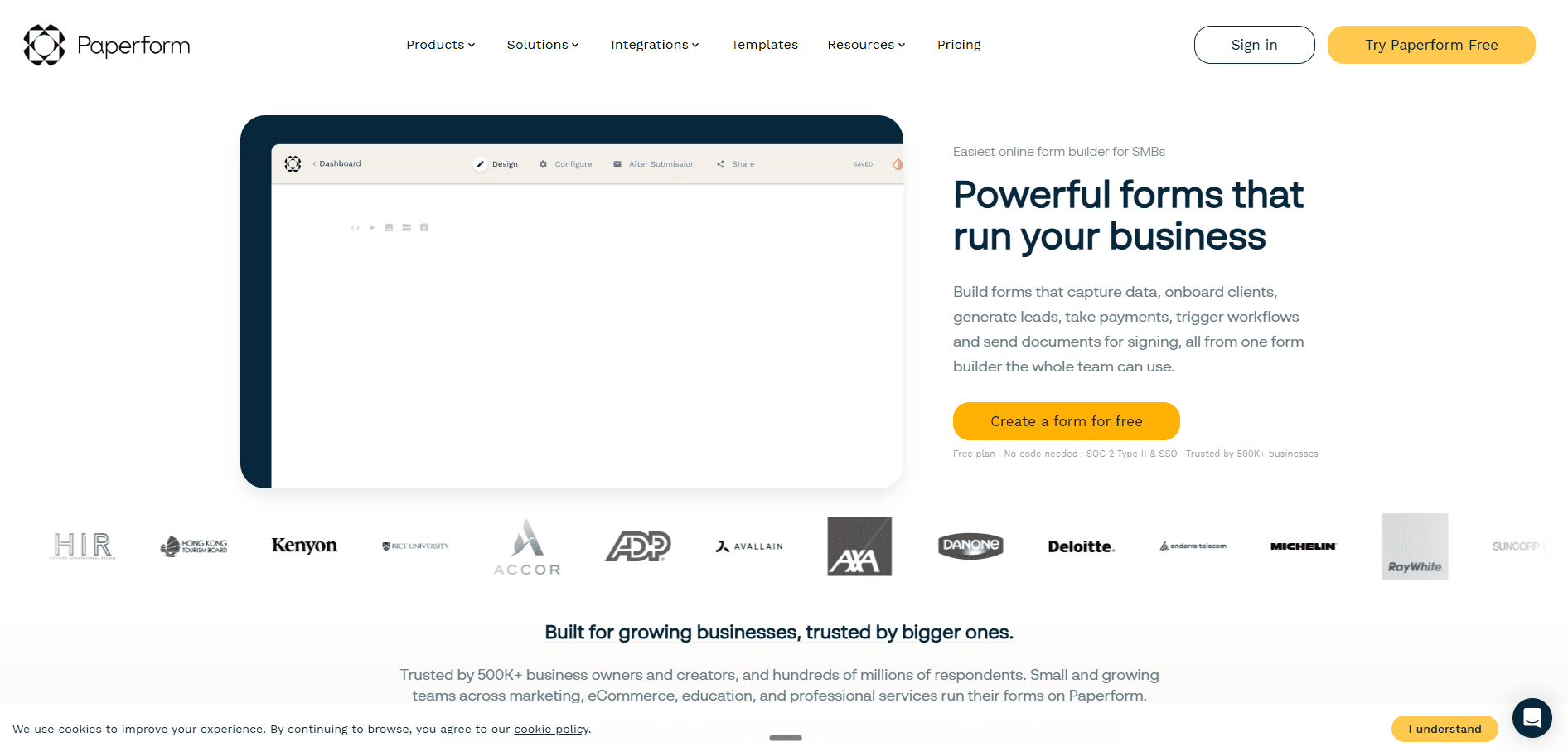
7. Paperform (Best for Design-First Forms)
Paperform works like a document editor crossed with a form builder. You write the form like a Google Doc and place input fields inline, so the result feels like a branded landing page rather than a form.
What stands out: Design control and a natural fit for order forms, applications, and quote pages. It also includes AI form creation.
Pricing: The free plan includes unlimited forms, 30 submissions, and 5 payment submissions per month. Paid plans start around $24/month billed annually for higher limits.
Best for: Creators and agencies who want forms that look like custom pages.
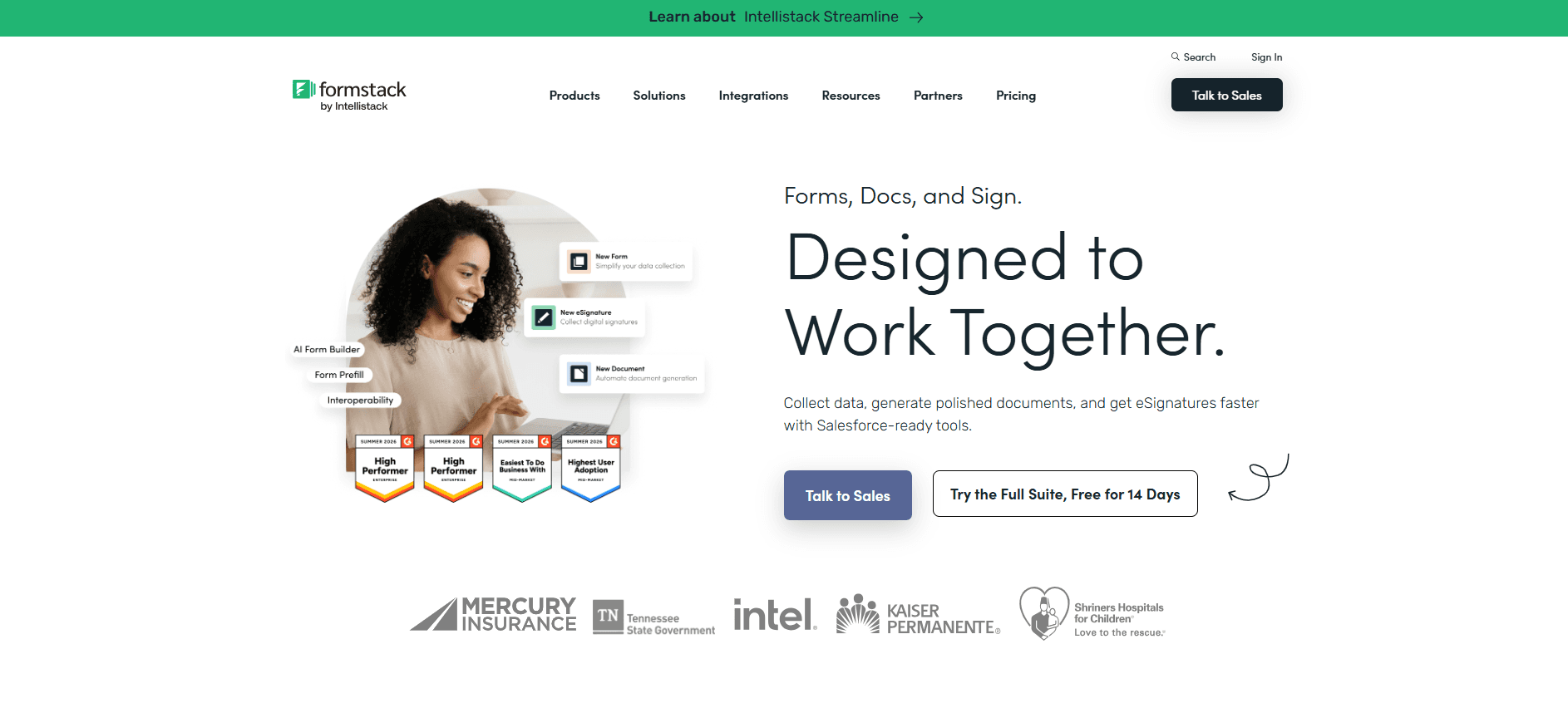
8. Formstack (Best for Regulated Industries)
Formstack is the enterprise pick. It's built for compliance and governance, with HIPAA compliance, e-signature, approval workflows, and document generation baked in.
What stands out: Enterprise readiness for healthcare, finance, and operations teams that treat compliance as a hard requirement.
Pricing: Formstack sits at the higher end, with cost and setup complexity above the lightweight tools here.
Best for: Regulated teams that need security controls, GDPR and HIPAA support, and audit-friendly workflow automation.
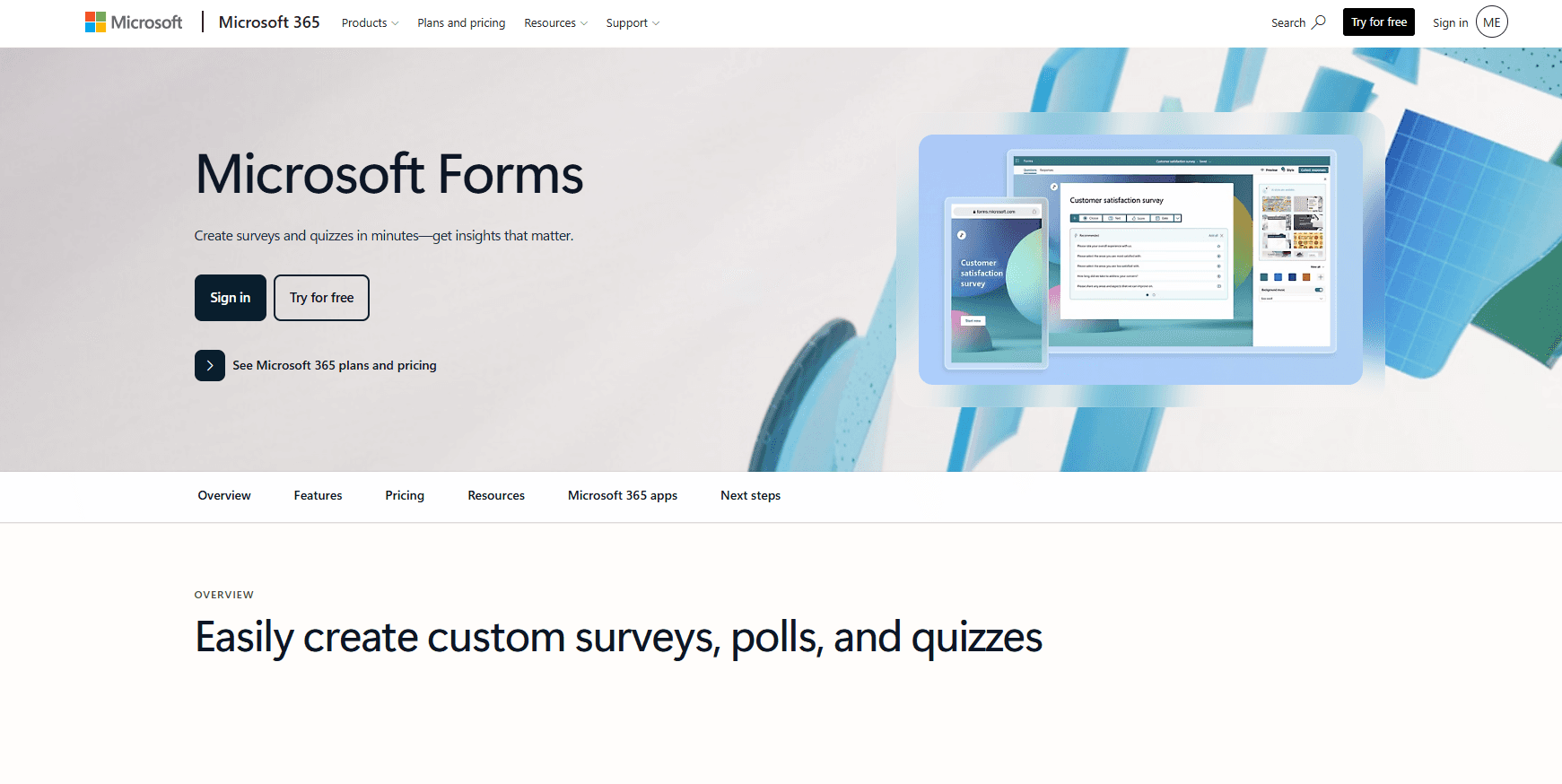
9. Microsoft Forms (Best for Microsoft 365 Teams)
Microsoft Forms is the simple, included option for organizations already paying for Microsoft 365. It covers basic surveys, quizzes, and polls, with results landing in Excel.
What stands out: It's bundled with Microsoft 365, so there's no extra cost or new vendor to manage.
Pricing: Included with most Microsoft 365 business plans.
Best for: Internal surveys and feedback inside Microsoft-first organizations.
10. Zoho Forms (Best for the Zoho Ecosystem)
Zoho Forms is a drag-and-drop builder with solid workflow automation and high submission limits at lower price points. It shines if you already run other Zoho products.
What stands out: Tight integration with Zoho CRM and the wider Zoho suite, plus offline form collection through its mobile app.
Pricing: A free plan is available, with Basic starting around $12/month and higher tiers scaling submissions and features.
Best for: Teams standardized on Zoho who want forms that feed straight into Zoho CRM.
Honorable mentions
A few other tools are worth a look for specific stacks. WPForms and Gravity Forms are the leading WordPress plugin options if your site runs on WordPress (WPForms Pro is around $199/year, and Gravity Forms is a long-standing developer favorite). Wufoo is an older, straightforward builder for basic collection, though Wufoo lacks the depth of newer tools. Forms.app offers AI form generation on its free plan, and Forms.app suits fast setup. And Airtable's built-in forms work well if your data already lives in Airtable.
How to Choose a Jotform Alternative
The right pick comes down to your primary job and a few practical checks. Match the tool to the work rather than the longest feature list.
Calculations and pricing: If forms must quote, configure, or run pricing logic, choose a calculation-first builder like Convert_. Most form builders only do basic math.
Conditional logic: Check how deep the branching goes. Simple if-then rules are common; infinite branching, A/B testing, and advanced survey logic are not. Design-first tools like Paperform handle lead generation pages well.
Cost and limits: Watch for single-seat plans, submission caps, and gated features. Tally and Fillout offer the most on free plans.
Compliance: Regulated teams need HIPAA support, e-signature, and approval workflows. Formstack and Jotform's Gold tier cover this; most lightweight tools don't.
Integrations: Confirm native links to your stack, whether that's Google Sheets, Salesforce, Airtable, HubSpot, or webhooks for everything else.
Branding: If forms must match your site, look for custom CSS, custom domains, and white-label options.
Convert_ vs Jotform: Side by Side
Convert_ is the alternative most teams pick when they need more than Jotform's calculation engine. Here's how the two compare directly.
Convert_ | Jotform | |
|---|---|---|
Advanced calculations | FormulaScript (Excel-like); handles complex pricing, configurators, and database logic | Basic built-in calculations; no advanced configuration |
Conditional logic | Infinite branching and demand-based pricing | Solid no-code logic for standard use cases |
User experience | Drag-and-drop with a steeper curve for advanced logic | Very easy; 10,000+ templates and a Tables feature |
Team access | Workspace members and collaborators included | Single user on all plans below Enterprise |
Done-for-you build | Concierge Service from $250 | No done-for-you build service |
Pricing | Free, then $20 to $200/month | Free, then $34 to $99/month (Enterprise is custom) |
Capterra rating | 4.9 | Well rated (4.7 on G2) |
The short version: Jotform is the better choice for simple surveys, registrations, and basic payments backed by a huge template library. Convert_ is the better choice when you need real calculation power, product configurations, demand-based pricing, or a done-for-you build.
How Convert_ Helps
Convert_ is a no-code platform that helps you build and customize calculators, product configurators, quote builders, surveys, and more. It pairs an easy drag-and-drop builder with serious calculation power, so you can automate quoting, booking, and pricing without code.
Getting started is easy. Sign up for a free forever plan, choose a template, and customize it to suit your needs. Or book a demo and the team will help you get going.
Want a closer look at how Convert_ stacks up against specific tools? See Convert_ vs Calconic, Convert_ vs Involve.me, and Convert_ vs Calculoid.
FAQ
Read our answers to frequently asked questions below.
What is the best free Jotform alternative?
Tally is the best free option for most people. Its free plan includes unlimited forms and responses under fair use, plus conditional logic, payments, and file uploads. Google Forms is the simplest free option, and Fillout's free plan is strong too, with 1,000 submissions a month and a built-in database. Convert_ also has a free plan that includes its calculation features until you pass 100 visits per month.
Which Jotform alternative is best for complex pricing or quotes?
Convert_ is the best option for complex pricing, quoting, and product configurators. Its FormulaScript engine uses Excel-like formulas to run pricing models and demand-based logic that Jotform's basic calculation tool can't handle. It also connects to external databases for real-time pricing, which suits booking systems, custom product builders, and instant quote tools.
Is there a Jotform alternative for healthcare or finance?
Yes. Formstack is built for regulated industries, with HIPAA compliance, GDPR support, e-signature, approval workflows, and document generation. Jotform also offers HIPAA support, but only on its Gold tier and above. For healthcare, finance, and government teams, compliance support should be the first thing you check.
Which Jotform alternative is best for surveys?
SurveyMonkey is the strongest pick for surveys and research, thanks to its question bank, advanced survey logic, and statistical analysis tools. Typeform is better when completion rates matter, because its conversational, one-question-at-a-time format keeps respondents engaged. Microsoft Forms and Google Forms cover simple internal surveys at no extra cost.
Can I find a Jotform alternative that works with WordPress?
Yes. WPForms and Gravity Forms are the leading WordPress plugin form builders if your site runs on WordPress. Convert_, Tally, Paperform, and most other tools here also embed on WordPress (and Wix, Squarespace, or Framer) with a snippet of code, so you aren't limited to a plugin.


